AI Image Generation AI IMAGE GENERATION

Make images from words — privately, on your own PC.

Type what you want to see and AI Image Generation makes it — right on your own computer. It ships with a modern local diffusion model, so you can generate your first image without shopping for models or setting up an account. With the built-in model, your prompts and the images you create never leave the device: no cloud account, no per-image fees, free to start.

Get it on Microsoft Store See what's inside ↓

Free to start • Windows • Built-in model works offline • Your prompts and images stay on your device
WHAT AI IMAGE GENERATION DOES

A text-to-image studio that runs on your computer

Describe a picture and generate it locally — steer, reproduce and batch your results, and keep everything in a private gallery, all without uploading a single prompt.

Text to image, on-device

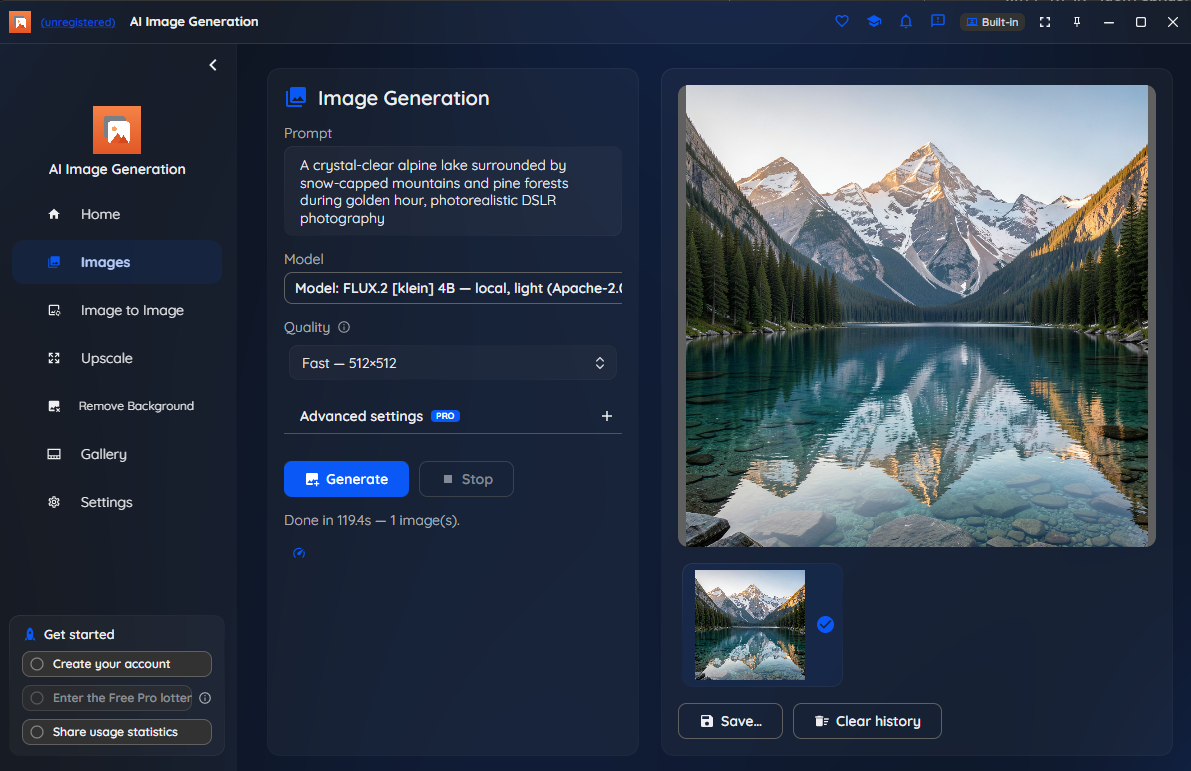
Type a prompt and generate an original picture on your own PC. With the built-in local model, your prompt and the image never leave the device — there's no cloud account to create and nothing is uploaded.

A high-quality built-in model

The app comes ready to generate with a modern local diffusion model (FLUX.2 [klein]). There's no model shopping or setup to get your first image — open it and start creating.

Negative prompts & seeds

Add a negative prompt to steer results away from what you don't want, and set a seed to reproduce a result exactly or vary it a little at a time. You stay in control of every generation.

Generate several at once

Ask for several images from a single prompt and pick the best. Batch generation lets you explore variations quickly instead of running one prompt over and over.

A private, built-in gallery

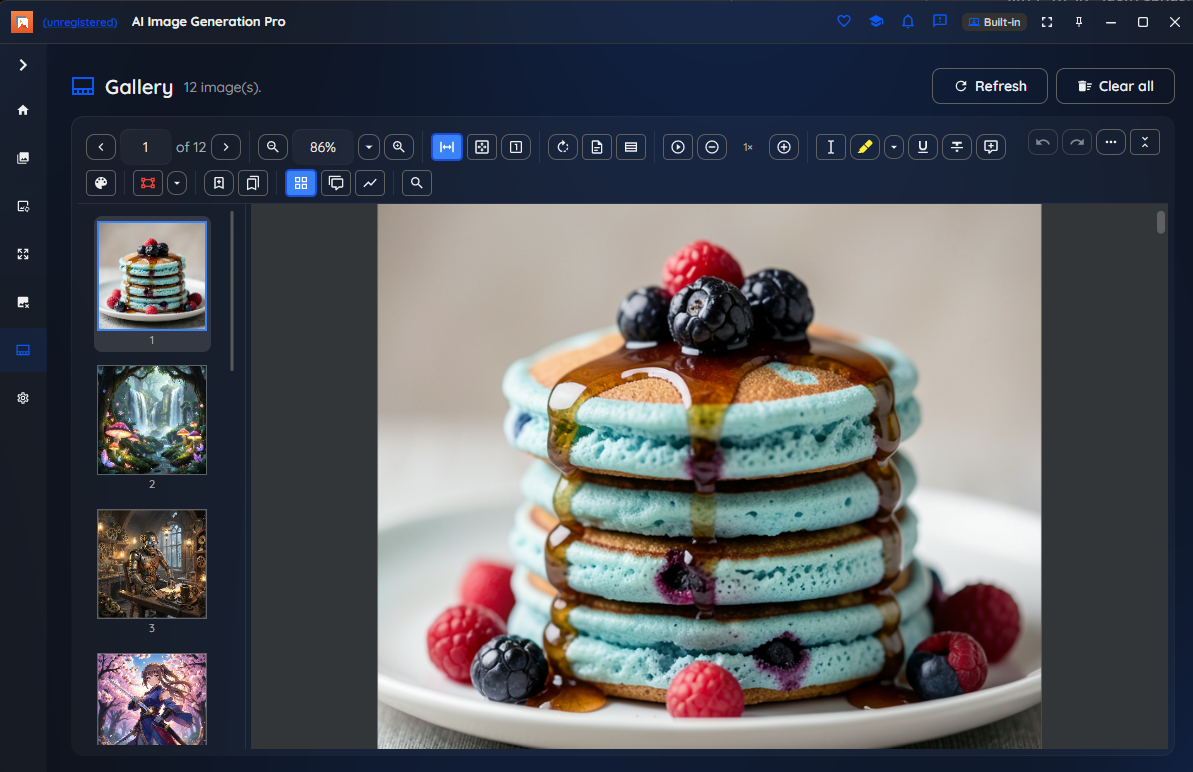
Everything you make lands in a browsable gallery kept on your machine, in a private, encrypted history you can revisit any time. Export the ones you like to PNG, JPEG or WebP.

Fast, and safe on your hardware

A supported GPU (NVIDIA CUDA or Apple Silicon) speeds up generation dramatically, and without one the app falls back to CPU. A built-in safety layer watches temperature and usage — it can thermally throttle to stay cool, honor a manual usage cap, and keep your PC awake during long jobs.

Larger sizes & custom steps Pro

Free generates at 512×512. Pro unlocks larger resolutions (768×768, 1024×1024, 1024×768 and 768×1024) and custom step counts, so you can trade a little speed for extra detail.

Optional cloud models, your key Pro

Prefer a cloud model for the hardest cases? Connect your own OpenAI, Azure OpenAI or Stability API key. A cloud provider is used only when you deliberately choose it — only then does a prompt leave your machine. The default experience stays fully on-device.

Works offline & content-free telemetry

Once the built-in model is installed, generate without an internet connection. Telemetry is consent-gated and content-free — never your prompts, images or file paths — and there's no face or biometric data anywhere in the app.

SEE IT IN ACTION

From a prompt to a picture — in one window

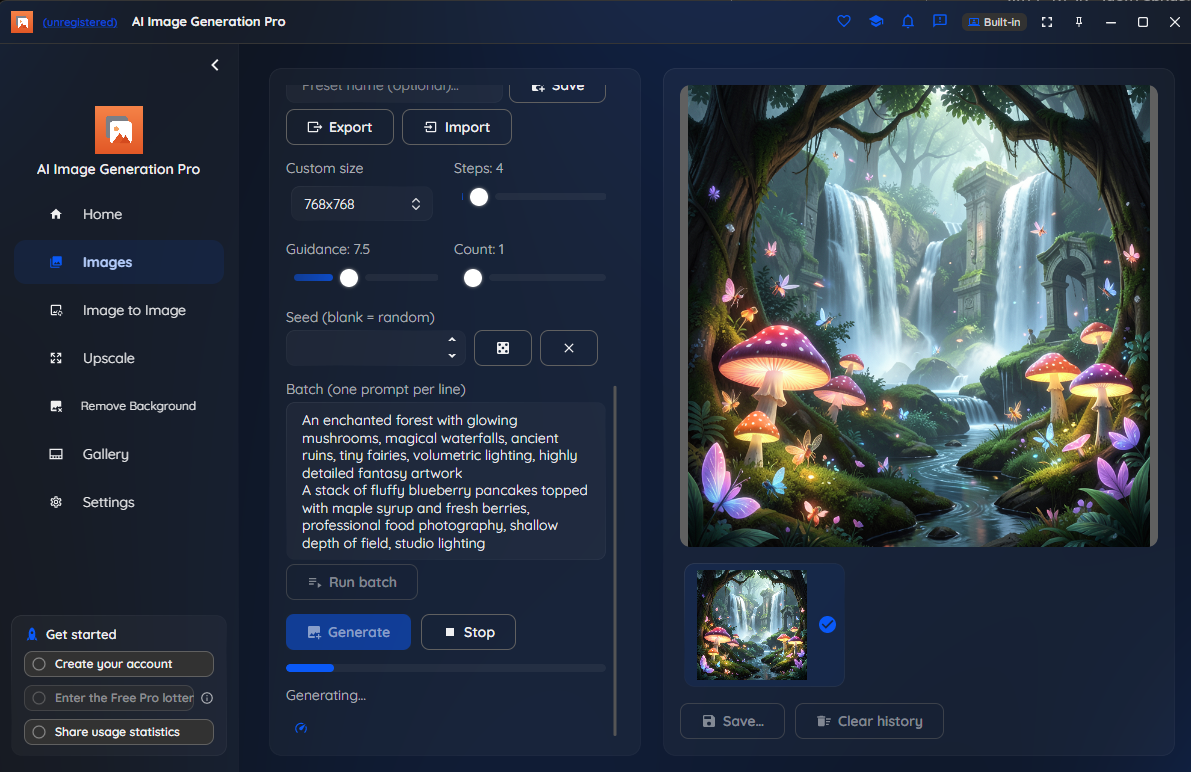
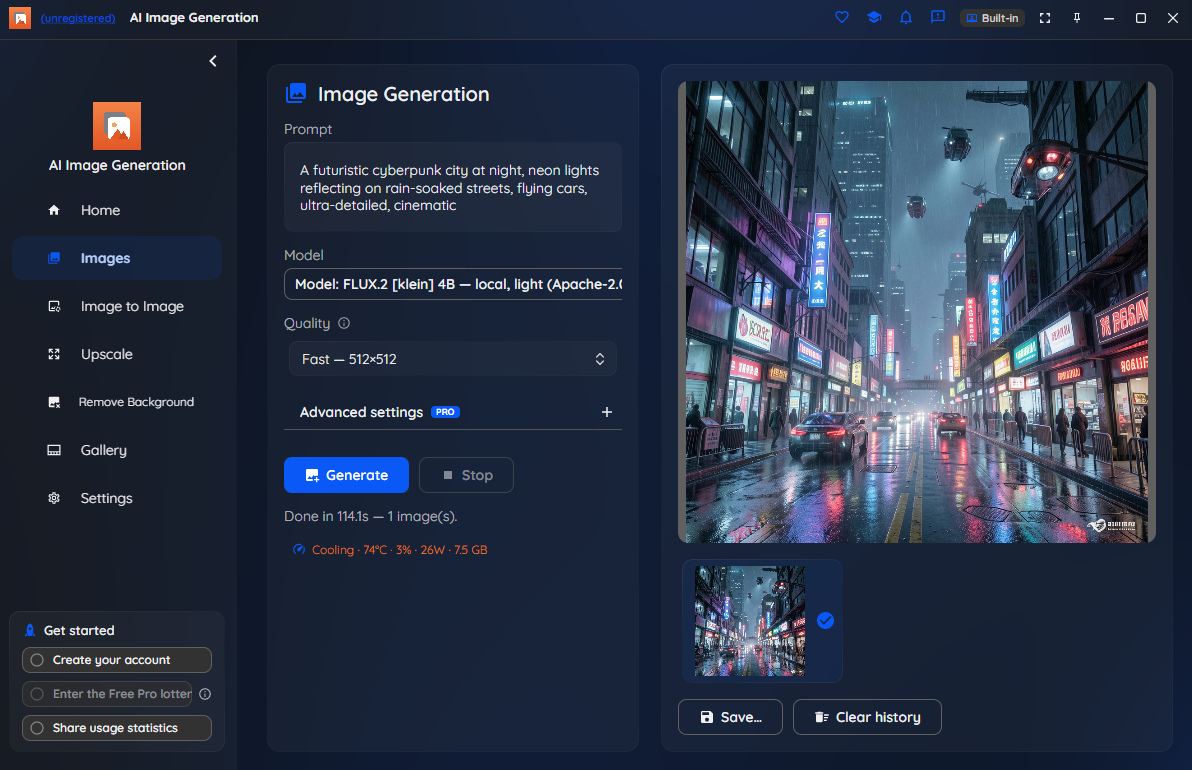
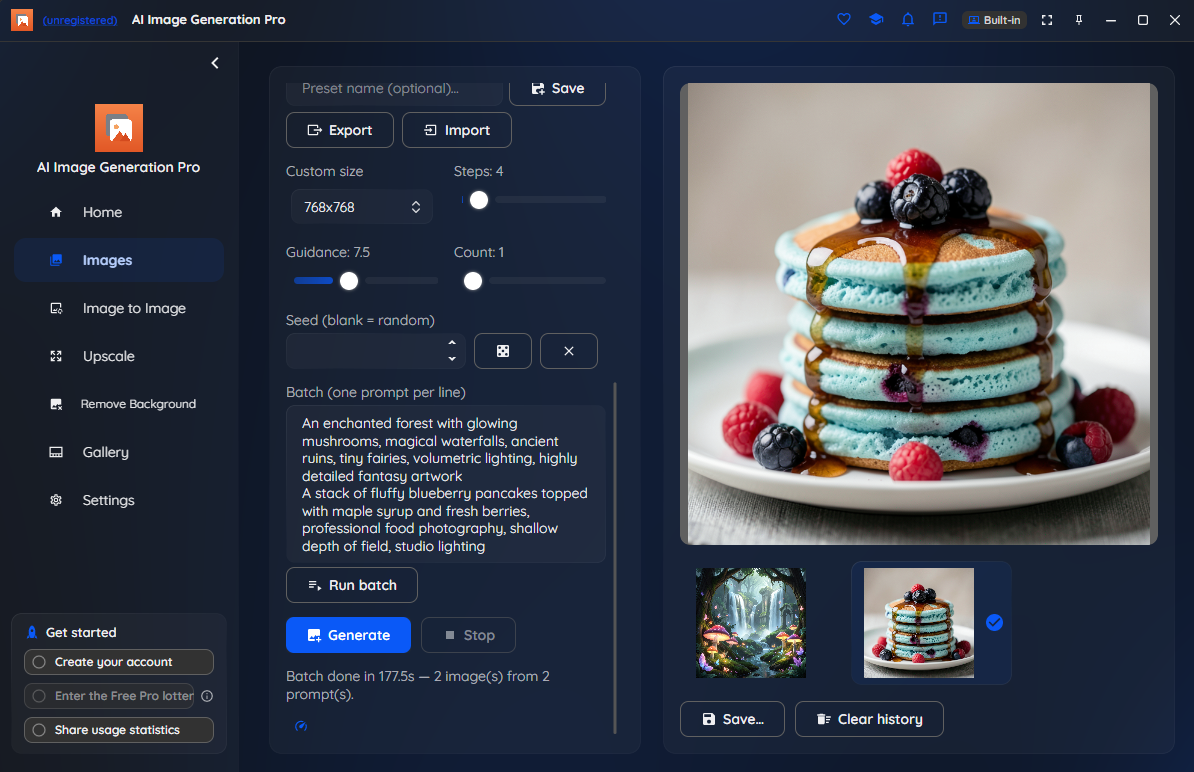
Write a prompt on one side, watch results fill a gallery on the other. Every image below was generated on-device with the built-in model.

AI Image Generation built-in gallery of generated images

Your gallery — every generation kept locally to revisit.

Photorealistic nature scene generated from a text prompt

Photorealistic results, straight from a text prompt.

Fantasy landscape generated by AI Image Generation

Any style you can describe — here, a fantasy landscape.

Stylized cyberpunk city scene generated by AI Image Generation

Stylized scenes with a negative prompt to steer the look.

A batch of food-photography images generated from one prompt

Batch generation — several images from one prompt.

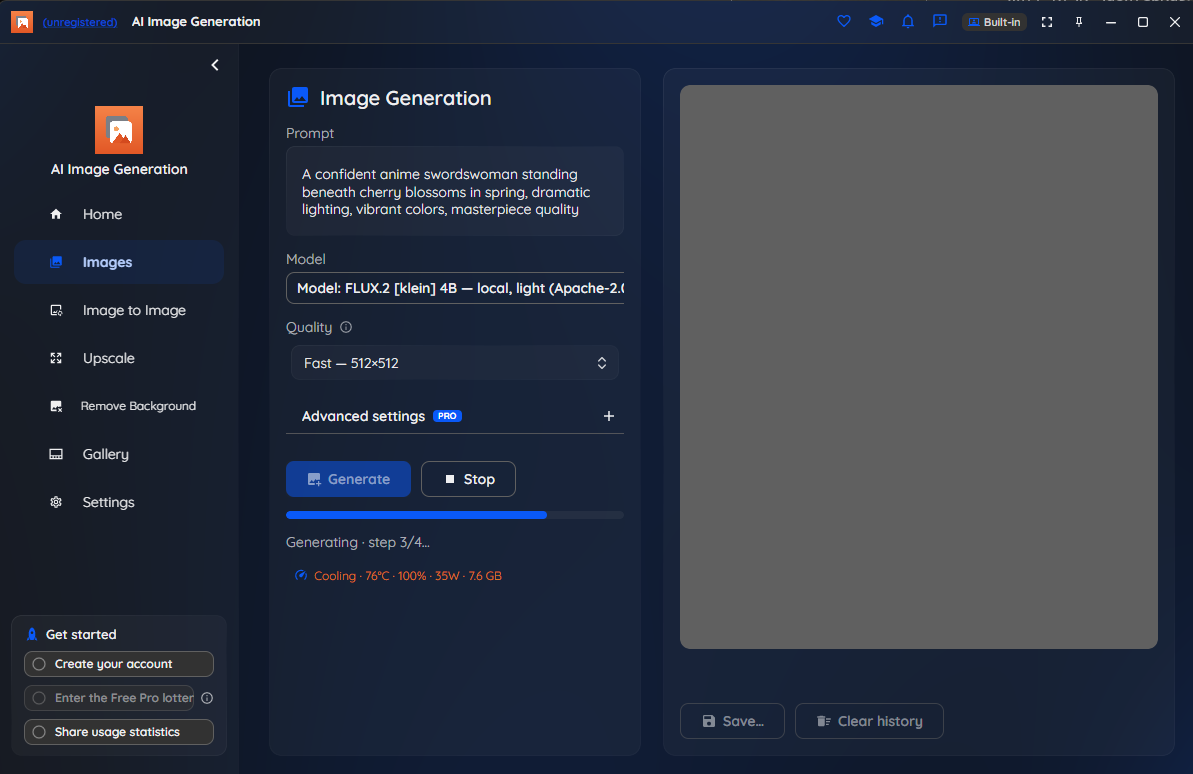
AI Image Generation GPU safety and hardware monitoring

Built-in GPU safety — temperature, usage and a manual cap.

HOW IT WORKS

From a sentence to a finished picture

1. Describe what you want

Type a prompt — the subject, style and setting you're after — and optionally a negative prompt for things to avoid. Everything runs on-device by default.

2. Generate

Click Generate. The first time, the app sets up the local engine and downloads the built-in model once — a one-time download of about 9 GB that can take 30–60 minutes on a typical connection. After that, generation runs locally and quickly, even offline.

3. Keep & export

Finished images appear in the gallery and are saved to a private, encrypted history. Export the ones you like to PNG, JPEG or WebP — all on your own machine.

WHO IT'S FOR

For images that shouldn’t leave your device

When prompts and results are private, sensitive or simply not something you want to meter through a cloud bill, AI Image Generation keeps the whole workflow on your own PC.

Privacy & compliance

Concept art, brand work, legal, medical or research imagery stays on the device with the built-in model — nothing is uploaded, which matters for regulated and sensitive work.

No cloud bill

Local generation means no per-image or per-token cloud charges. Generate as many images as you like, and cloud providers stay optional and bring-your-own-key.

Creative control

Negative prompts, seeds and batch generation let you dial in exactly the result you want — and on Pro, larger sizes and custom steps give you more detail when you need it.

Offline & portable

Once the model is installed, work with no internet connection at all — on a plane, in a secure facility, or anywhere a cloud service simply isn't an option.

ON THE ROADMAP

More coming in later updates

Today's release focuses on the generator and the gallery. Image-to-Image, Upscale and Remove-Background are planned for a future update and aren't part of the current build — we'll switch them on when they're ready.

Available where you work

AI Image Generation is available today on Windows from the Microsoft Store. A supported GPU is strongly recommended for speed. macOS, Linux, browser and mobile editions are on the roadmap.

PLANS

Start free. Upgrade to Pro when you need more.

Free includes the generator, the built-in gallery and 512×512 output on the built-in local model — no time limit and no nag screens. Pro unlocks larger resolutions (up to 1024×1024), custom step counts, heavyweight local models, and optional cloud providers using your own API key.

Students, educators, researchers, non-profits and other qualified users can apply for a free 12-month Pro licence.

Make images from words, privately

Free to start, on-device by design. Get AI Image Generation on Windows from the Microsoft Store, or read the plans first.

Get release updates

New free AI products, major updates, and a few releases available only via this site. No spam.